I Built a Free Pomodoro Timer and Here's Why I Stopped Using Every Other One
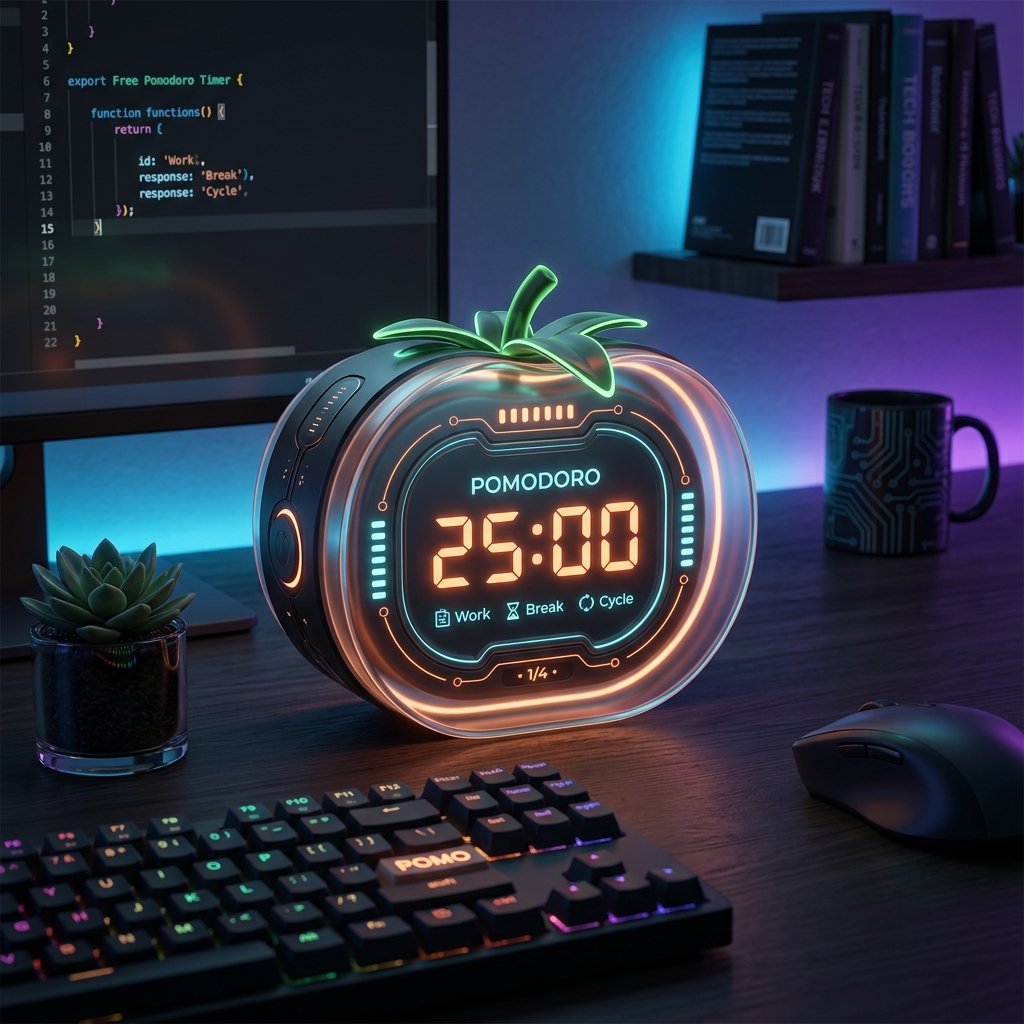
Okay, let me be honest with you.
I spent way too long looking for a Pomodoro timer that just… worked. Not one that wanted my email address. Not one that hid the good stuff behind a paywall. Not one that took three minutes of click-through setup before I could even start a single focus session.
I just wanted a timer. One task. 25 minutes. Go.
So I built exactly that: Free Online Pomodoro Timer — OnlineTimeZone.
What's the Pomodoro Technique, Again?
Quick refresher if you're new to it — the Pomodoro Technique was developed by Francesco Cirillo back in the late '80s. The idea is simple:
- Pick one task.
- Work on it for 25 minutes (no tab switching, no checking Slack).
- Take a 5-minute break.
- After 4 sessions, take a longer break (15–30 min).
- Repeat.
That's it. No magic. But it works surprisingly well because it solves two real problems:
- Starting — "work for 25 minutes" feels way less daunting than "finish this 1000-line feature".
- Staying focused — having a visible countdown makes you more conscious of where your attention is drifting.
Why I Made My Own Instead of Using Existing Ones
I tried a bunch of popular timers. Some were great apps, but they wanted accounts. Others were clean but had zero customization. A few were buried in complex settings menus and dark patterns pushing monthly upgrades.
What I wanted was something dead simple with zero friction:
- Open the page → type your task → hit Start.
- No login or account creation.
- No "start your free trial" banners.
- Works natively on mobile when studying away from my desk.
- Lets me tweak intervals easily for deep work vs. quick administrative tasks.
So I built exactly that, with no premium limits and complete privacy.
Try the Best Free Pomodoro Timer
OnlineTimeZone offers a completely free, highly-customizable Pomodoro Timer with zero ads, task estimation, auto-cycling, and no signups required.
Start Focused Session Now →The Engineering Magic Behind the Scenes
This isn't just another standard countdown clock. I wanted this tool to be incredibly lightweight, offline-first, and highly advanced. Under the hood, we built in some extremely cool features that you won't find in typical web timers:
1. 100% Mathematically Synthesized Audio (Web Audio API)
One of the biggest issues with online timers is that playing custom alarms and background static sound requires downloading heavy MP3 or WAV files over the network. If your connection drops or loads slowly, your timer goes silent.
To solve this, all audio in our timer is mathematically synthesized in real-time using the browser's native Web Audio API. Alarms like Bell, Digital beep, Kitchen timer clink, Soft chime, and Bird chirps are constructed entirely from sound-wave equations. Similarly, background environments like **White noise**, **Brown noise**, **Rain**, and **Coffee shop ambience** are calculated using real-time white noise filter algorithms in JavaScript. The page weighs virtually zero, loads instantly, and runs completely offline.
2. Dynamic Tab Favicon Countdown
You don't need to keep the timer tab open to check your progress. Using a hidden HTML5 canvas, the timer automatically redraws your browser tab's favicon in real-time. It draws a small colored dot representing your active mode (orange for focus, green for break, blue for long break) and paints the remaining minutes directly inside the favicon. You can check your remaining time just by looking at your open tabs!
3. Standalone App Installation (PWA)
The timer is fully installable as a Progressive Web App (PWA). If you use macOS or Windows, you can install it directly to your dock or applications folder. It launches in a clean, standalone, borderless window with no search bar, looking and behaving exactly like a premium native desktop app while staying lightweight and secure.
4. Local Reports, Analytics & Daily Streaks
Instead of relying on database syncs and user logins, we integrated an offline dashboard. The timer saves completed focus sessions to your local browser storage and renders a beautiful, interactive **weekly bar chart report** representing your productivity trends. It also tracks your completed count for today, historical streak statistics, and customizable daily targets (like 8 focus sessions a day).
5. Power-User Keyboard Shortcuts
For developers and power-users, you can operate the timer entirely from your keyboard without using your mouse:
Spacebar— Start / Pause the timerR— Reset current session1/2/3— Switch to Pomodoro / Short Break / Long BreakN— Move to the next mode in the cycle?— View shortcuts overview
Strict Mode Option Enabling Strict Mode prevents you from pausing the timer mid-session. It is brutal but highly recommended for breaking bad phone-checking habits!
Who Is This Actually For?
Honestly, a lot of people — but it really shines for:
- Developers: Context switching is expensive. A 25-minute block for code review, or a 50-minute deep block for implementing a feature. The task label keeps you anchored when you inevitably get distracted by a Hacker News tab you opened "just for a second."
- Students: Instead of "study for 3 hours" (vague, exhausting to think about), it becomes "summarize pages 40–48" in 25 minutes. Much easier to start. Works great for flashcards, problem sets, or essay drafts.
- Remote Workers: When your home is also your office, the day bleeds. A Pomodoro session creates a lightweight structure: this 25 minutes is work, the next 5 is actually a break, not a slow drift into Instagram.
- People with ADHD: The Short Sprint preset (15/3) is specifically good here. You're not committing to a marathon. You're committing to 15 minutes. The visual countdown creates a bit of positive urgency. And once you start? Usually the hardest part is already over.
The Thing I Didn't Expect to Love: Task Estimates
When you add a task, you give it a Pomodoro estimate. I thought this was a throwaway feature. Turns out it's one of the most useful parts.
After a week, I could see that what I thought was a "1 Pomodoro" bug fix was consistently taking 3. My "quick email catch-up" was eating 2 sessions. That feedback loop quietly made me better at planning my days.
All this data stays completely local in your browser — no account, no cloud sync, no tracking, and no one reading your private task list.
How to Get Started
Simply navigate to onlinetimezone.com/pomodoro-timer.html and follow these steps:
- Type one task in the Focus Workspace list.
- Click it to make it active.
- Press Start.
- Work until the alarm rings.
- Take the break. Actually take it.
That's genuinely all there is to it. If you want to customize your setup, hit Settings. If you want to keep it simple, don't touch anything and just let the defaults work for you.
Closing Thought
The best productivity tool is the one you actually use. A $12/month app you open twice is far worse than a free browser tab you open every single morning.
I built this because I wanted something I'd actually reach for. If you've been meaning to try the Pomodoro technique or you've tried it before and fell off — give it another shot with something that gets out of your way.
Would love to hear how you use it, or what variant works best for your work style!
Frequently Asked Questions
Try These Free Tools